

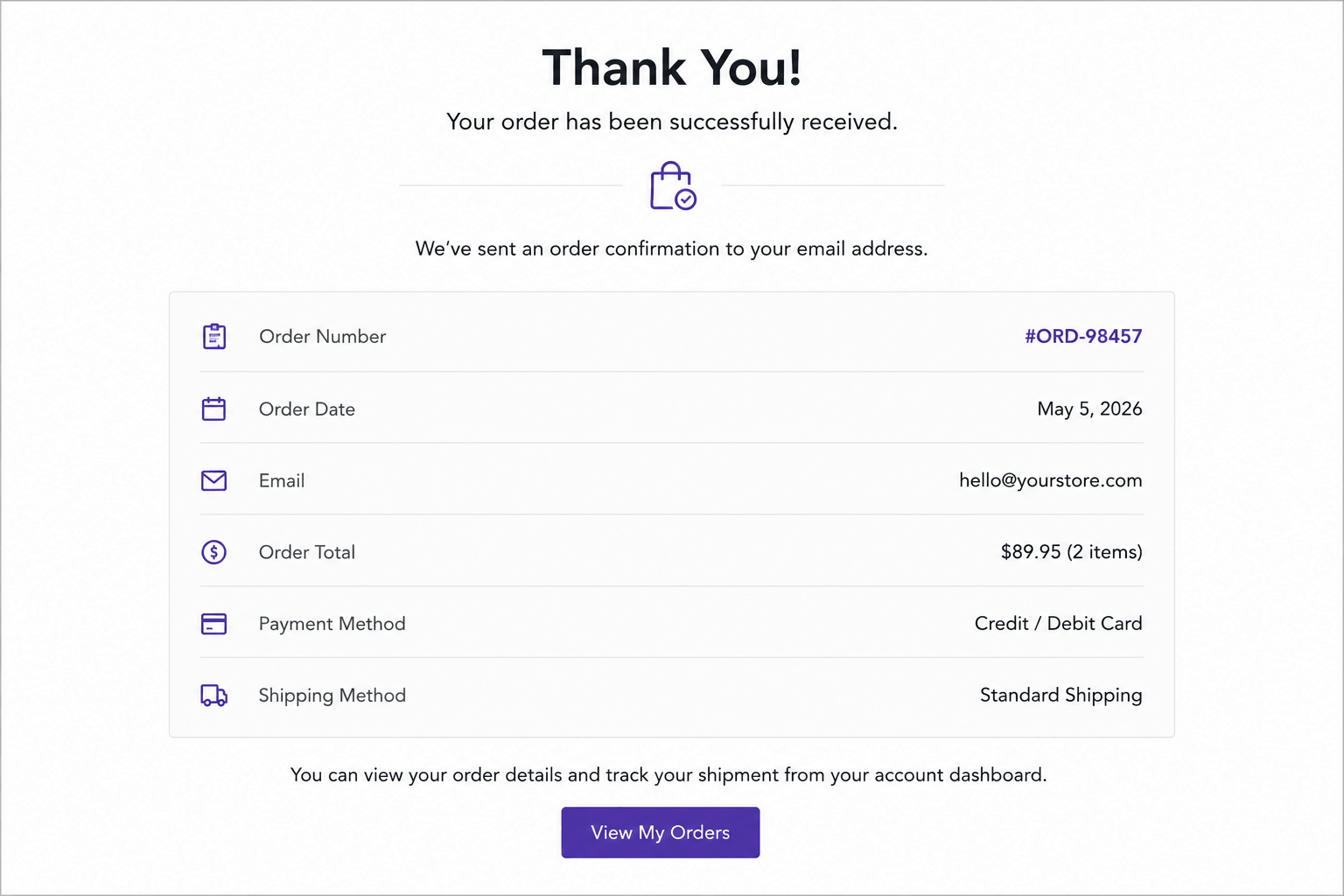
By default, once a WooCommerce customer logs in or creates an account during checkout, they remain logged in indefinitely — until they manually log out or their browser session expires. For most online stores, this is fine. But for certain types of WooCommerce stores, leaving customers logged in after checkout creates a real security and privacy risk.
This guide provides a tested PHP snippet that automatically logs customers out after they complete a purchase — while still allowing them to fully view the Thank You page, order confirmation, and download links before the session ends.
Why You Might Want to Log Customers Out After Checkout
This is not a feature every store needs — but for the following situations, it solves a real problem:
Shared or public devices (kiosk-style checkout) — If your store is used at a physical location with a shared tablet or kiosk for in-person ordering, leaving the previous customer’s account logged in is a privacy risk for the next customer.
Guest-style purchasing experiences — Some stores create temporary accounts automatically during checkout (common with certain payment gateways or guest checkout configurations) but don’t want customers to remain “logged in” afterward, since they never intended to create a persistent account.
Wholesale or B2B portals with shared logins — If multiple staff members at a business use the same wholesale account to place orders, automatically ending the session after each order reduces the risk of unauthorized repeat orders or unattended sessions left open on shared computers.
Internet café, library, or shared computer environments — Customers completing purchases on public computers benefit from automatic session termination, reducing the risk of the next user accessing their account or order history.
Compliance and security-conscious stores — Some businesses, particularly in regulated industries, prefer minimal session persistence as part of a broader security posture.
The Challenge: Logging Out Without Breaking the Thank You Page
The naive approach — logging the customer out the moment checkout completes — breaks the experience. WooCommerce’s Thank You page (woocommerce_thankyou hook) often relies on the customer’s session to display order details, downloadable file links, and account-specific confirmation information. Logging out too early can cause the Thank You page to show generic content or deny access to digital downloads the customer just paid for.
The correct solution is a two-step delayed logout:
- When the Thank You page loads, set a temporary flag in the WooCommerce session — but do not log out yet
- On the customer’s next page visit, check for that flag, log them out silently, and clear the flag
This ensures the customer sees their full order confirmation, then is logged out cleanly the next time they navigate the site — without any visible interruption or broken page.
The PHP Snippet
Add this code to your child theme’s functions.php file or use a code snippets plugin such as Code Snippets (recommended for easier management and rollback).
Step 1 — Set a Logout Flag When the Thank You Page Loads
/**
* Step 1: Store a logout flag after WooCommerce checkout completes
*/
add_action( ‘woocommerce_thankyou’, ‘wpcodex_store_logout_flag’ );
function wpcodex_store_logout_flag( $order_id ) {
if ( ! is_user_logged_in() ) {
return;
}
if ( ! WC()->session ) {
return;
}
WC()->session->set( ‘wpcodex_pending_logout’, ‘yes’ );
}
This function runs only when the Thank You page (woocommerce_thankyou) loads after a successful order. It checks that the customer is logged in and that a WooCommerce session exists, then sets a temporary session flag — wpcodex_pending_logout — without taking any further action yet.
Step 2 — Log the Customer Out on Their Next Page Visit
/**
* Step 2: Check for the logout flag and log the customer out
*/
add_action( ‘template_redirect’, ‘wpcodex_auto_logout_after_order’ );
function wpcodex_auto_logout_after_order() {
if ( ! is_user_logged_in() ) {
return;
}
if ( ! WC()->session ) {
return;
}
$logout_pending = WC()->session->get( ‘wpcodex_pending_logout’ );
if ( ! $logout_pending ) {
return;
}
WC()->session->__unset( ‘wpcodex_pending_logout’ );
wp_logout();
}
This function runs on every page load via template_redirect — one of the earliest hooks available, before any page content is rendered. It checks for the wpcodex_pending_logout flag set in Step 1. If the flag exists, it removes the flag immediately (preventing repeated logouts) and calls wp_logout() to end the customer’s session.
How It Works — Step by Step
- Customer completes checkout and lands on the Thank You page
- Step 1 fires: a session flag is silently set — the customer sees the full order confirmation as normal
- Customer views their order details, downloads any digital products, and closes the tab — or navigates to another page
- On the next page load, Step 2 fires: it detects the flag, clears it, and logs the customer out
- The customer’s session ends cleanly, with no visible disruption to the order confirmation experience
The result: full access to order confirmation, automatic session termination immediately afterward.
Customization Options
Redirect after logout — To send the customer somewhere specific after logout (e.g., back to the shop or homepage) instead of leaving them on the current page:
WC()->session->__unset( 'wpcodex_pending_logout' );
wp_logout();
wp_safe_redirect( home_url( '/shop/' ) );
exit;
Limit to guest-created accounts only — If you only want this behavior for accounts that were auto-created during checkout (not customers who manually registered before purchasing), check the order’s _created_via meta or a custom flag set during your guest checkout account creation process before applying Step 1.
Apply only to specific user roles — Wrap the logic in a role check if this should only apply to a specific customer type (e.g., customer role but not wholesale_customer):
$user = wp_get_current_user();
if ( ! in_array( 'customer', (array) $user->roles, true ) ) {
    return;
}
Frequently Asked Questions
Will this affect customers who are not logged in?
No. Both functions check is_user_logged_in() first and exit immediately if the customer is a guest. This snippet only affects logged-in customers.
Will the customer lose access to their order details or downloads?
No. The logout is delayed until the customer’s next page visit after viewing the Thank You page. They retain full access to order confirmation, downloadable files, and order details on the Thank You page itself.
What if the customer closes the browser immediately after checkout without visiting another page?
If the customer closes the browser before triggering another page load, the logout flag remains in their session but is never acted upon during that visit. Depending on your session settings, the flag will either be cleared on their next visit (triggering logout then) or expire naturally with the session timeout. For stores requiring guaranteed immediate session termination, consider combining this with a shorter WooCommerce session expiration setting.
Does this work with WooCommerce Subscriptions or membership sites?
Use this snippet with caution on subscription or membership sites, since customers in these contexts typically need to remain logged in to manage their subscription, access member content, or view recurring billing. Apply the role-based restriction shown in the Customization section to exclude subscription customers.
Can I use this for a kiosk or point-of-sale setup?
Yes — this is one of the most common use cases. For kiosk environments, also consider adding the redirect customization to send the logged-out session back to the homepage or shop page automatically, creating a clean “ready for next customer” state.
Is wp_logout() safe to call during template_redirect?
Yes. template_redirect fires after WordPress has fully loaded but before any template output begins, making it a safe and standard hook for performing redirects, authentication checks, and session modifications like wp_logout().
Looking for More Control Over Your WooCommerce Customer Data?
This snippet handles session security for individual stores well. If you’re managing customer accounts, order data, and follow-up workflows across your WooCommerce store and a CRM — automating not just logout behavior but the entire post-purchase customer journey — WooCRM Connector syncs WooCommerce orders and customer data to Zoho CRM, HubSpot, and Salesforce automatically, with no custom code required.
More free WooCommerce snippets from WooCRM: WooCommerce Refund Request Button on My Account Page · 10 WooCommerce Speed Optimization Snippets · Browse All Snippets →
/**
 * Store Logout Trigger After WooCommerce Checkout
 */
add_action( 'woocommerce_thankyou', 'custom_wc_store_logout_session_after_order' );
function custom_wc_store_logout_session_after_order( $order_id ) {
    if ( ! is_user_logged_in() ) {
        return;
    }
    if ( ! WC()->session ) {
        return;
    }
    WC()->session->set(
        'custom_wc_pending_logout',
        'yes'
    );
}
2. Automatically Log Out the Customer on the Next Page Visit
This second function checks for the session flag during future page loads. If the customer is logged in and the logout flag exists, WooCommerce logs the customer out and removes the session value.
add_action( 'template_redirect', 'custom_wc_auto_logout_after_order' );
function custom_wc_auto_logout_after_order() {
    if ( ! is_user_logged_in() ) {
        return;
    }
    if ( ! WC()->session ) {
        return;
    }
    $logout_pending = WC()->session->get(
        'custom_wc_pending_logout'
    );
    if ( ! $logout_pending ) {
        return;
    }
    WC()->session->__unset(
        'custom_wc_pending_logout'
    );
    wp_logout();
}
How This Works
Once the WooCommerce checkout process is completed, the snippet stores a temporary session variable instead of forcing an immediate logout. This ensures the customer can still view the Thank You page and order details normally.
When the customer visits another page afterward, WooCommerce detects the stored session flag and silently logs the user out in the background. The session value is then removed so the logout only happens once.
This method avoids disrupting the checkout confirmation process while still automatically ending customer sessions after purchase completion.
Where Should You Add This Code?
Add the PHP snippet to your child theme’s functions.php file or use a custom code snippets plugin.
Before testing, temporarily switch to the Storefront theme and disable non-essential plugins to rule out compatibility issues.
Explore More Blogs : WooCommerce Refund Request Button on My Account Page