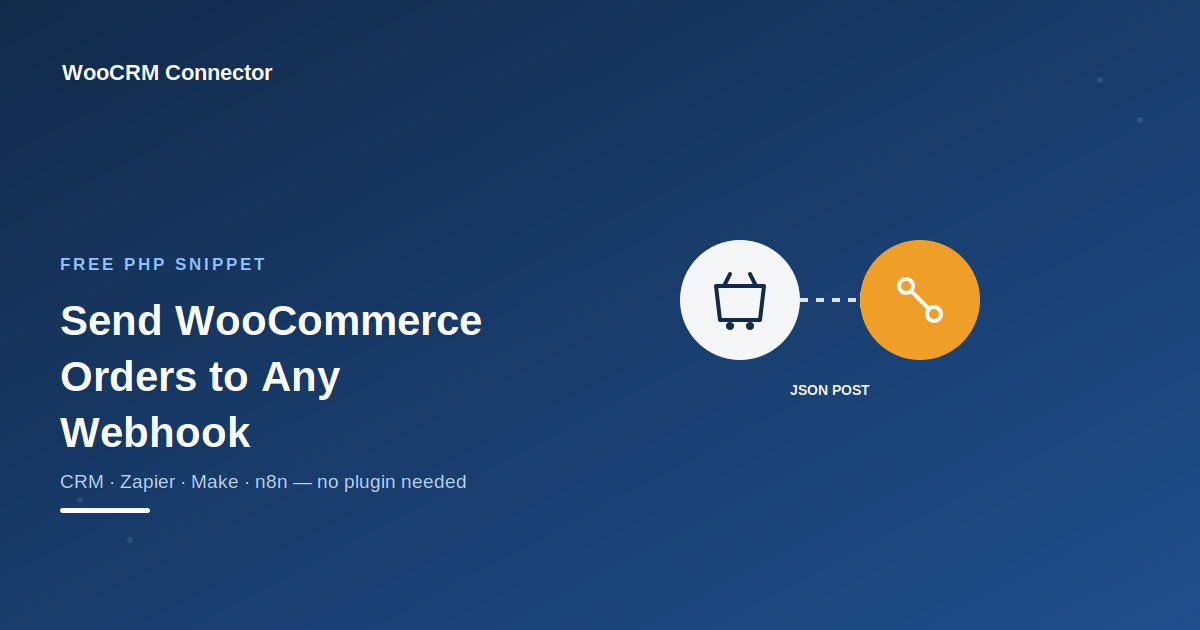
If you’re looking to send WooCommerce order data to a webhook — whether it’s a CRM, spreadsheet, or automation tool like Zapier or Make — the simplest starting point is triggering that webhook whenever an order is completed.php
/**
 * Send WooCommerce order data to a webhook when an order is completed.
 */
add_action( 'woocommerce_order_status_completed', 'wpcodex_send_order_to_webhook' );
function wpcodex_send_order_to_webhook( $order_id ) {

    $order = wc_get_order( $order_id );

    if ( ! $order ) {
        return;
    }

    $webhook_url = 'https://your-webhook-url.com/endpoint'; // Replace with your CRM/Zapier/Make webhook URL

    $payload = array(
        'order_id' => $order->get_id(),
        'email'    => $order->get_billing_email(),
        'name'     => $order->get_billing_first_name() . ' ' . $order->get_billing_last_name(),
        'total'    => $order->get_total(),
        'status'   => $order->get_status(),
        'date'     => $order->get_date_created()->date( 'Y-m-d H:i:s' ),
    );

    wp_remote_post( $webhook_url, array(
        'body'    => wp_json_encode( $payload ),
        'headers' => array( 'Content-Type' => 'application/json' ),
        'timeout' => 15,
    ) );
}
Where to add this: your child theme’s functions.php, a site-specific plugin, or a snippets plugin like WPCode.
“Note: this is a one-way send — it pushes data out but doesn’t confirm the webhook received it or retry on failure. For most CRM syncs this is enough, but if you want a more complete setup, see our guide on syncing WooCommerce orders with CRM automatically.”
Where to get a webhook URL: most CRMs (HubSpot, Zoho, Pipedrive) and automation tools (Zapier, Make, n8n) let you generate a webhook URL under their “Triggers” or “Webhooks” settings — paste that into the $webhook_url line above.
Want it to fire at a different stage? This snippet runs once an order is marked “completed.” If you’d rather trigger it on “processing” (right after payment) instead, just change woocommerce_order_status_completed to woocommerce_order_status_processing in the first line.
“If you’re syncing WooCommerce orders to a CRM, spreadsheet, or automation tool like Zapier or Make — and want the bigger picture first, check our complete WooCommerce CRM integration guide — the simplest starting point is sending order data to a webhook URL whenever an order is completed.”
Note: this is a one-way send — it pushes data out but doesn’t confirm the webhook received it or retry on failure. For most CRM syncs this is enough, but if you need guaranteed delivery or two-way sync, that typically calls for a dedicated integration plugin rather than a basic webhook call.